LangChain Configuration
LangChain is a development framework for building AI applications, supporting Python and JavaScript. Since kineticRouter is compatible with the documented subset with the OpenAI protocol, you only need to change the openai_api_base to get started.
Prerequisites
- An kineticRouter account with an API Key (Get one here )
- Python 3.8+ installed
Configuration Steps
Step 1: Install Dependencies
pip3 install langchain langchain-openai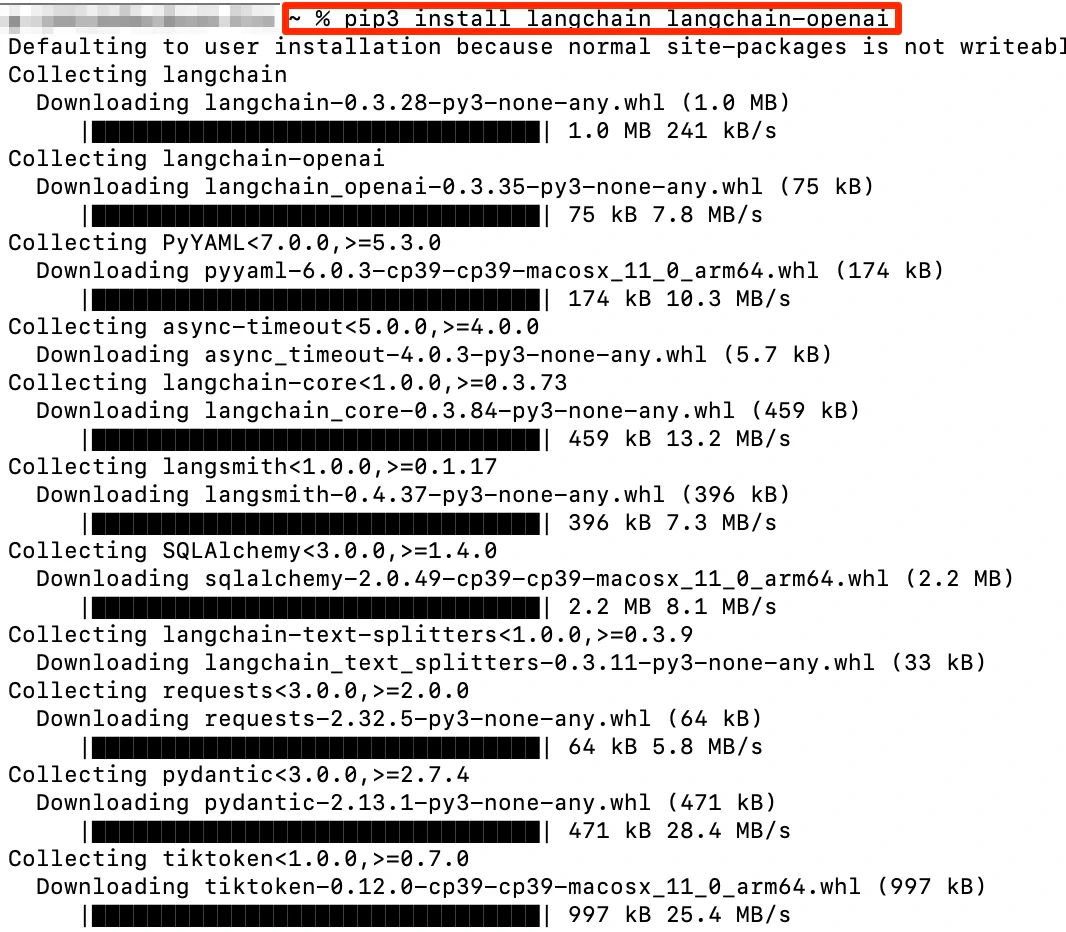
Step 2: Configure and Run
Python
example.py
from langchain_openai import ChatOpenAI

llm = ChatOpenAI(
    model="openai/gpt-4.1",
    openai_api_key="<YOUR_KINETICROUTER_API_KEY>",
    openai_api_base="https://api.kineticrouter.com/v1"
)

response = llm.invoke("Hello")
print(response.content)
Run:
python3 -W ignore example.py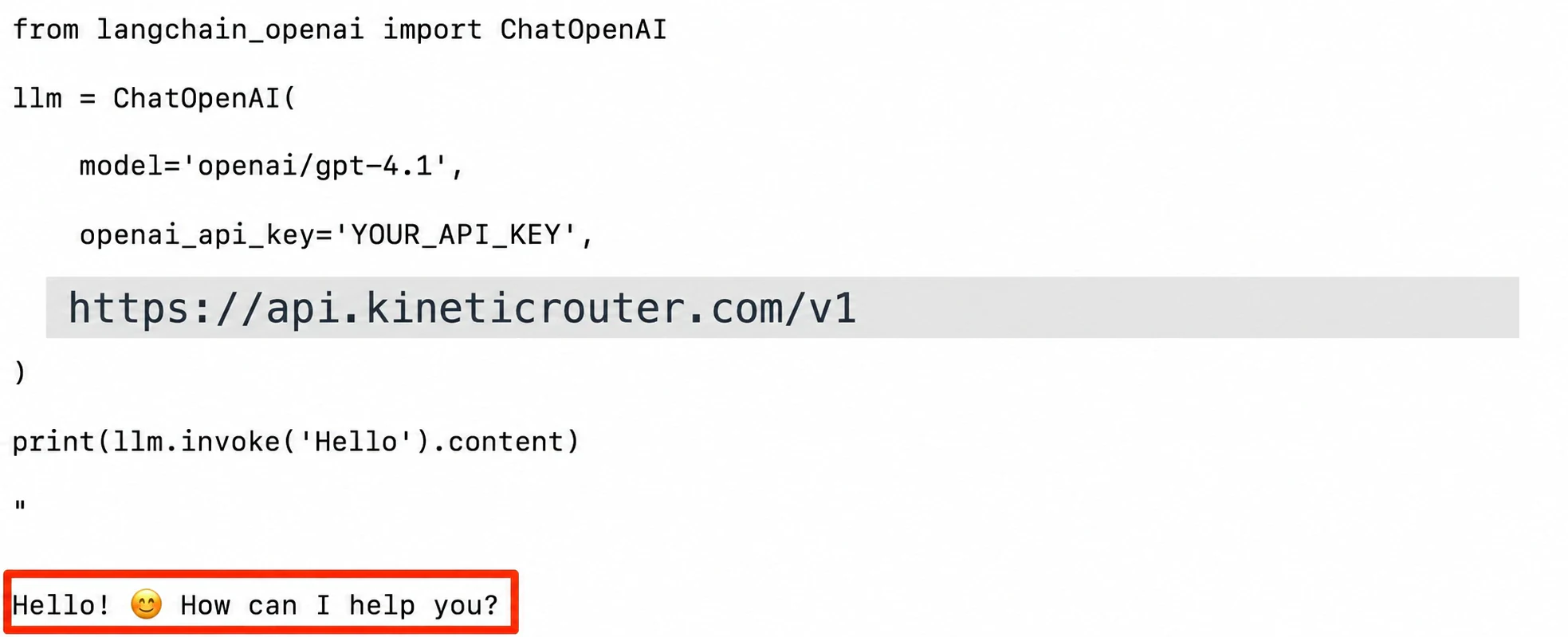
Available Models
For recommended models, see the kineticRouter Model Marketplace .
FAQ
Q: ModuleNotFoundError: No module named 'langchain_openai'
Run pip3 install langchain-openai to install the missing package.
Q: API Key is invalid
Make sure the openai_api_key is your kineticRouter API Key, not an official OpenAI Key.