Images API
Two endpoints: Generate (text → image) and Edit (image + text → image). Both responses follow the OpenAI standard shape data[0].b64_json.
Generate images
POST https://api.kineticrouter.com/v1/images/generationsWith gpt-image-2
Python
import base64
from openai import OpenAI

client = OpenAI(api_key="YOUR_KINETICROUTER_API_KEY", base_url="https://api.kineticrouter.com/v1")

resp = client.images.generate(
    model="openai/gpt-image-2",
    prompt="A simple red apple on a white table",
    size="1024x1024",
    quality="low",
    output_format="png",
)

with open("output.png", "wb") as f:
f.write(base64.b64decode(resp.data[0].b64_json))Sample output:
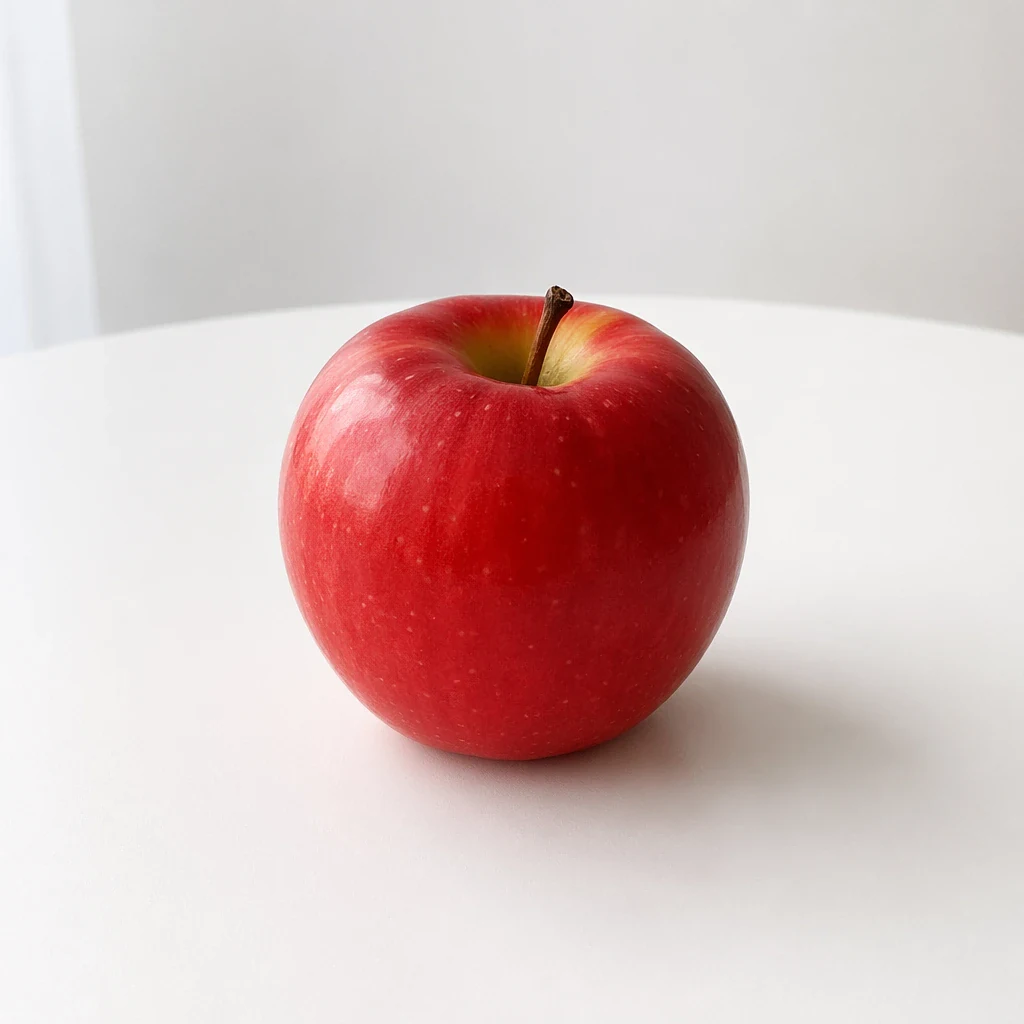
Parameters
| Parameter | Type | Required | Description |
|---|---|---|---|
model | string | ✅ | openai/gpt-image-2 |
prompt | string | ✅ | Natural-language description |
quality | string | ✅ | auto / low / medium / high. Quality does not affect the price for the gpt-image family (see Billing below) |
n | number | — | 1–10, default 1 |
size | string | — | auto (defaults to 1536x1024) or any WIDTHxHEIGHT — see “Supported sizes” below |
output_format | string | — | png / jpeg / webp |
background | string | — | opaque / auto. gpt-image-2 does not support transparent (it errors) |
stream | boolean | — | Default false |
Supported sizes (gpt-image-2)
Sizes are not a fixed list — any WIDTHxHEIGHT works as long as it satisfies all of:
- both width and height are multiples of 16;
- each side is ≤ 3840;
- the aspect ratio is between 1:3 and 3:1;
- total pixels are between 655,360 and 8,294,400 (~0.64MP to ~8.3MP).
Common sizes: 1024x1024, 1536x1024, 1024x1536, 2048x2048, 2560x1440; 4K tier: 3840x2160, 2160x3840, 2880x2880.
1920x1080 is rejected (1080 is not a multiple of 16) — use 1920x1088 instead. Legacy DALL·E sizes such as 256x256 and 512x512 fall below the pixel floor and are also unavailable.
The 4K tier is experimental: a single image can take several minutes (set client timeouts to ≥600s), and the upstream occasionally fails mid-render — failed generations are not billed.
Billing reference prices
These image prices are from the August 30, 2026 catalog snapshot. They are reference values, not a quote for your account or confirmation that image generation and editing are available to your key.
| Line item | kineticRouter snapshot price |
|---|---|
| Image output | $4.50/M tokens |
| Text input (prompt) | $0.75/M tokens |
| Reference image input (edits) | $1.20/M tokens where reported and billed |
Recorded output-only examples in that snapshot were $0.0316 for 1024 by 1024, $0.0247 for 1536 by 1024, $0.0600 for 3840 by 2160, and $0.1067 for 2880 by 2880. Actual request costs depend on the model, metered usage, and the price rule for your account.
Confirm image capability and pricing for your key before integrating. The console Playground currently supports text conversations. Review Usage for actual billed cost, including interrupted or failed requests; do not assume an error means no charge.
Response
{
  "created": 1777385517,
  "data": [
    { "b64_json": "<image Base64>", "index": 0 }
  ],
  "model": "openai/gpt-image-2",
  "size": "1024x1024",
  "quality": "low",
  "usage": {
    "input_tokens": 8,
    "input_tokens_details": { "text_tokens": 8 },
    "output_tokens": 7024,
    "total_tokens": 7032
  }
}
usage is returned in official terms: input = the o200k token count of the prompt, output = the official formula applied to the actual output size at the high tier — identical to what is billed. Note the example’s quality is low yet output still meters 7,024 at the high tier (see Billing).
The image lives in data[0].b64_json — base64-decode and save it.
Edit images
POST https://api.kineticrouter.com/v1/images/editsmultipart/form-data — you must upload an image file.
Call
Python
import base64
from openai import OpenAI

client = OpenAI(api_key="YOUR_KINETICROUTER_API_KEY", base_url="https://api.kineticrouter.com/v1")

with open("apple.png", "rb") as f:
    resp = client.images.edit(
        model="openai/gpt-image-2",
        image=f,
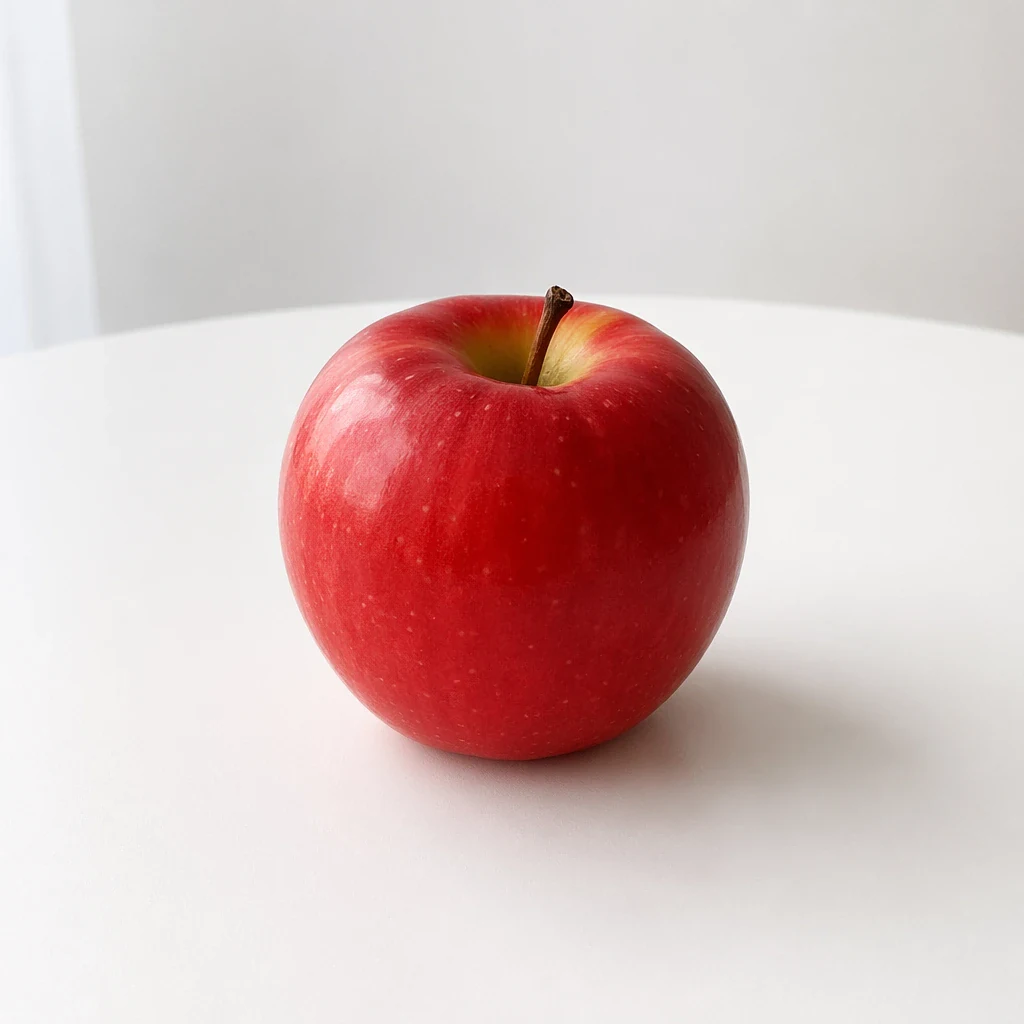
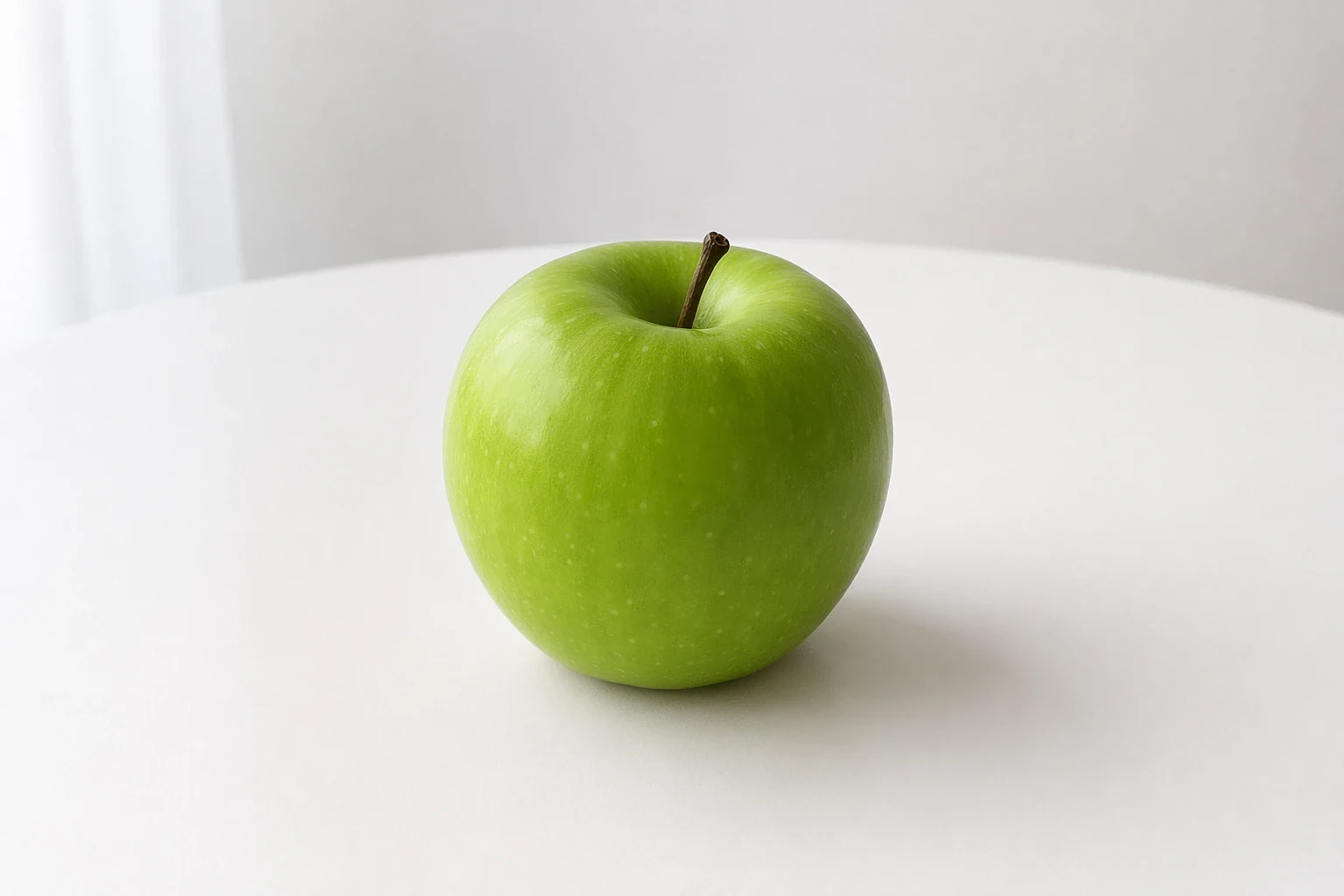
        prompt="Change the apple to green while keeping everything else unchanged",
        size="auto",
        quality="low",
    )

with open("apple_edited.png", "wb") as out:
out.write(base64.b64decode(resp.data[0].b64_json))The image field takes a local file path (with the @ prefix in cURL), not a URL.
Before / after:
| Original | Edited |
|---|---|
 |  |
Parameters
| Parameter | Type | Required | Description |
|---|---|---|---|
model | string | ✅ | Recommended: openai/gpt-image-2 |
image | file | ✅ | PNG / JPEG file |
prompt | string | ✅ | Edit instruction |
quality | string | ✅ | low / medium / high |
n | number | — | Default 1 |
size | string | — | auto keeps the original size |
Response
Same shape as generation:
{
  "created": 1777385669,
  "data": [
    { "b64_json": "<edited image Base64>", "index": 0 }
  ],
  "model": "openai/gpt-image-2",
  "size": "auto",
  "quality": "low",
  "usage": {
    "input_tokens": 10,
    "input_tokens_details": { "text_tokens": 10 },
    "num_input_images": 1,
    "output_tokens": 5488,
    "total_tokens": 5498
  }
}
Same as generation, usage is returned in official terms. num_input_images is the input image count. Note: reference-image input tokens are not counted (OpenAI publishes no reproducible input-image formula — see Billing above), so input_tokens_details carries only text_tokens.
See supported models and pricing in the Model Catalog .